Customers are on the same network as your tills
One shared password puts visitors' devices beside your card machines and PCs. We split guest and staff networks and lock the guest side down.
Reading IT Support installs and manages guest and business WiFi for Reading cafes, hotels, clinics and offices. We keep guests off your business devices and add a branded splash page.
Book a WiFi site survey or call 0118 359 2276Guest WiFi for business is a wireless network for visitors, kept separate from the one your staff, tills and computers use. We add a branded login page, content filtering and speed limits.
It suits Reading venues where visitors expect WiFi.
One managed service covers the WiFi your visitors see and the network your staff rely on. We design, install and look after both.
We put guest devices on their own VLAN, with firewall rules blocking access to your PCs, tills, printers and servers.
Guests see a splash page with your logo and terms before getting online. Options include email, voucher codes, social login or one click.
We build the sign-up form with an unticked consent box kept separate from the terms. The portal records when and how each guest agreed.
We block adult, illegal and malicious websites on the guest network, so families and patients see a network that reflects well on you.
Each guest device gets a speed cap and the guest network an overall ceiling, so card payments, calls and staff systems keep their share.
We measure signal room by room before placing access points. Staff, guest and meeting room WiFi then run from one managed system.
A cafe on Broad Street, a hotel by the station and a clinic in Tilehurst all need guest WiFi for different reasons. We set up each network around the people who use it.
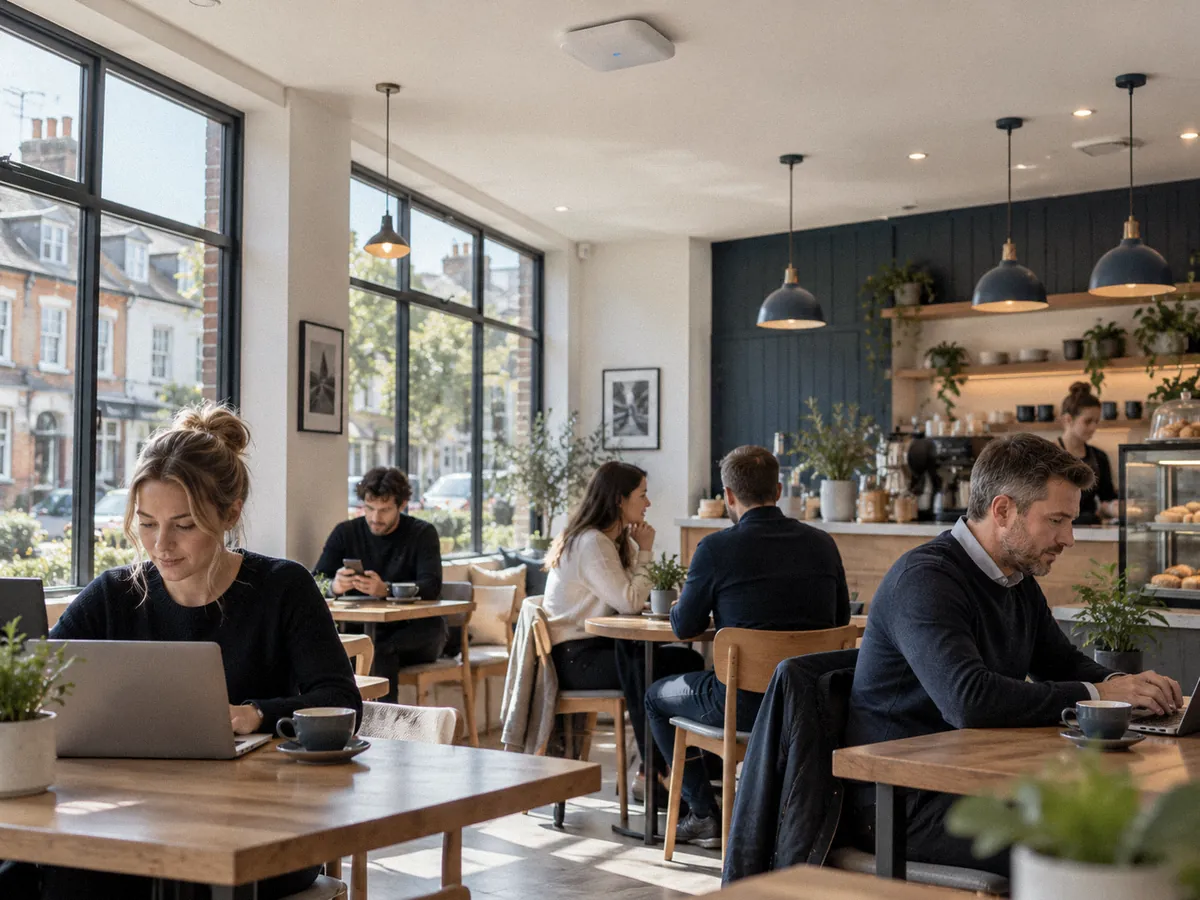
Shoppers around the Oracle, Broad Street and Market Place want WiFi while they wait. A branded splash page turns that into newsletter sign-ups.
Hotels and event venues near the station fill up, and Reading Festival brings crowds each August. Per-user limits stop one guest slowing everyone.
Patients expect WiFi while they wait. We keep their network on its own VLAN, away from clinical systems, with content filtering on.
Visitors at Green Park and Reading International Business Park often need WiFi for a presentation. We give them a time-limited guest login.
One shared password puts visitors' devices beside your card machines and PCs. We split guest and staff networks and lock the guest side down.
One router can't cover Reading's thick-walled old town centre buildings. We survey for dead spots and place access points to fill them.
A shared password spreads beyond your premises and never changes. A captive portal or voucher codes give you control over who connects.
Emails collected on paper or through a pre-ticked box may not be usable for marketing. Our portal stores a clear opt-in with a timestamp.
We walk your premises, measure signal in each room and note how guests and staff use the space.
You get a written plan showing access point positions, network segments, portal options and a fixed quote.
We fit and configure access points, build your branded splash page and test coverage room by room.
We monitor the network and handle your portal, password and coverage changes when you need them.
The cost depends on the size of your venue, how many access points you need and whether you want a branded captive portal with marketing tools. Most businesses pay a monthly fee for the managed service. We quote after a site survey, and the quote lists the equipment and what is included.
Yes, when the guest network sits apart from your business network. We place guests on their own VLAN behind firewall rules, so a visitor's phone cannot see your tills, PCs, printers or file shares. Both networks share the broadband line, and bandwidth limits stop guests using all of it.
A captive portal is the page a visitor sees before the WiFi lets them online. It carries your logo and colours, asks the guest to accept your terms of use and can offer a marketing sign-up. You choose the login options, such as email, a voucher code or one click.
Yes, if you collect them the right way. The marketing opt-in on your splash page must be unticked by default, separate from accepting the terms, and linked to your privacy notice. We set up the portal to record consent, and your own data protection adviser should confirm your wording.
Thick brick and stone walls, basements and metal fittings block WiFi signal. A single router in the back office cannot reach every room in many town centre buildings. We survey the site, measure signal room by room and place access points where the coverage is weak.
Yes. We set a speed cap for each guest device and a total limit for the guest network, so card machines, phone calls and staff work keep the bandwidth they need. We can also limit session length and block large downloads at busy times.
Yes. We monitor your access points and guest network and see when one drops offline or a channel gets congested. Our team handles changes such as a new splash page, a password change or another access point during office hours, Monday to Friday, 8am to 5pm.