Backups fail and nobody notices
A backup job can fail for weeks before anyone checks. We monitor every job, and a failure opens a ticket for an engineer.
We copy your servers, laptops and Microsoft 365 data off-site, test restores and write a continuity plan, so a flood, power cut or ransomware attack won't halt your Reading business.
Book a free backup review or call 0118 359 2276Backup and disaster recovery means copying your data to a separate location, with a tested plan to restore it after a failure, attack or outage.
Business continuity covers how your people keep working while the office is out of use.
One service protects your data, proves it can come back and sets out how staff keep working. We size it to your systems and the downtime you can absorb.
We back up file servers, application servers and laptops to off-site and cloud storage. Laptops back up wherever they connect.
Recovering deleted or overwritten Microsoft 365 data falls to you. We keep separate copies of Exchange, OneDrive, SharePoint and Teams, ready to restore.
We keep at least one immutable copy apart from your network and admin accounts. An attacker in your systems has no route to it.
We restore files, mailboxes and whole servers to a test area and check they work. Written results help with insurer and client questionnaires.
We agree how long each system can be down and how much data you can lose, then build them into a written continuity plan.
Every backup job reports to our monitoring platform. A failed or missed job opens a ticket for an engineer to investigate.
A riverside office, a listed building near Market Place and a rented floor at Green Park each need a different recovery plan.
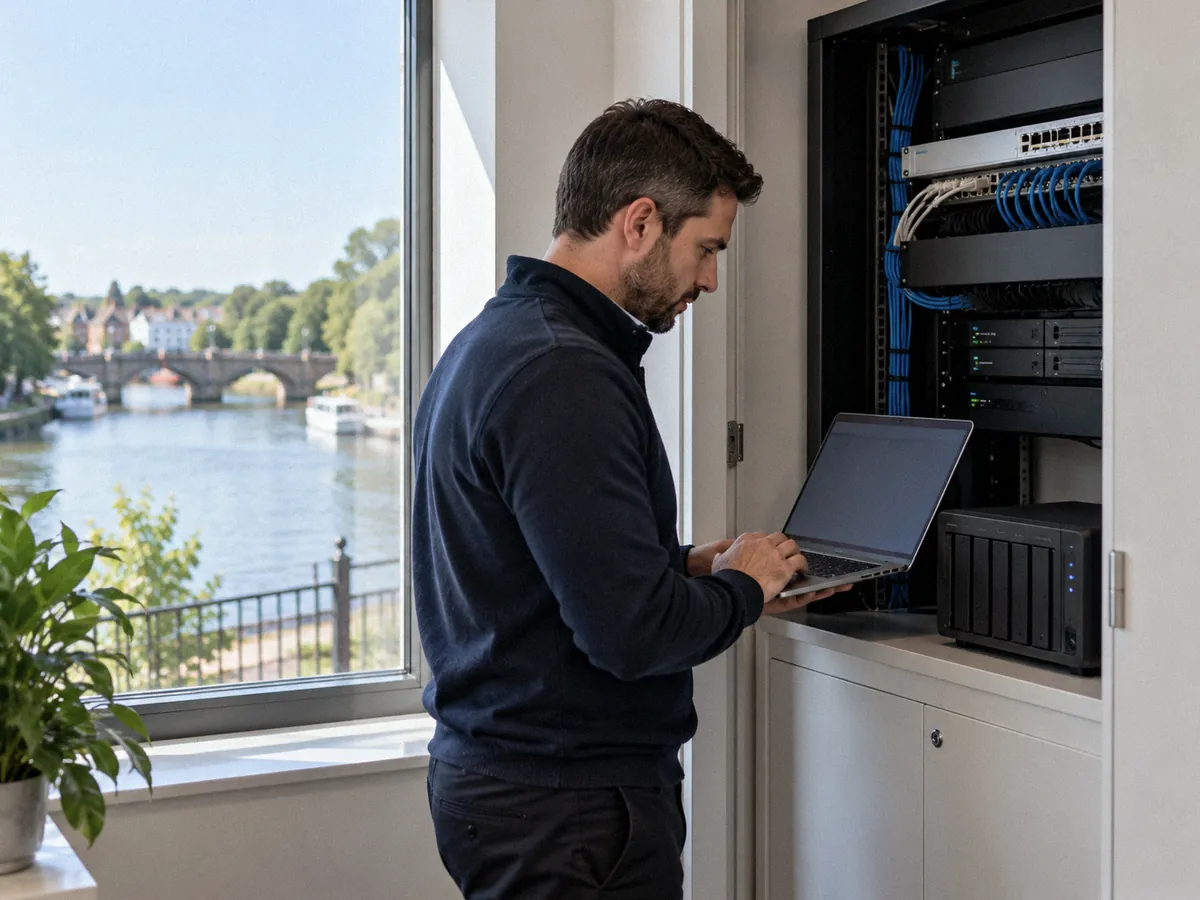
Parts of central Reading and Caversham sit in flood zones. We check the flood maps and plan how you trade if the building closes.
Dated wiring in listed town centre buildings means a power cut can take servers down hard. We fit UPS units for a clean shutdown.
Many tenants keep servers in a landlord-run comms room. We keep a copy of your data outside the building and plan for losing access.
Many Reading teams split the week between office, home and London. If the office closes, your plan moves them onto Microsoft 365 at home.
A backup job can fail for weeks before anyone checks. We monitor every job, and a failure opens a ticket for an engineer.
Backups on the same network get encrypted with everything else. We keep immutable copies apart from your network, with MFA on backup accounts.
Deleted mailboxes and files get hard to recover once Microsoft's retention ends. A separate backup lets us restore from before the mistake or attack.
Without a plan, staff wait. We set the recovery order, who calls whom and where people work, then walk your team through it.
We list every server, laptop and Microsoft 365 service, check what is backed up today and test one restore.
We agree recovery time and recovery point targets for each system with you, based on what downtime costs your business.
We configure off-site, cloud and immutable backups, switch on monitoring and prove a full restore works.
We write your continuity plan, rehearse it with key staff and repeat test restores on a schedule.
A backup is a copy of your data. Disaster recovery is the plan and tooling that bring your systems back into use from that copy within an agreed time. You need both, because a backup with no tested recovery plan can still leave your Reading office unable to work.
Yes, for most businesses. Microsoft keeps the service running, but its recycle bins and retention settings hold deleted data for limited periods. A separate Microsoft 365 backup of Exchange, OneDrive, SharePoint and Teams lets you restore data after an accidental deletion, a removed user account or a ransomware attack.
Recovery time objective (RTO) is the longest a system can be down before it harms your business. Recovery point objective (RPO) is how much recent data you can afford to lose, measured in time. We agree both targets with you for each system and set backup frequency to match.
We keep at least one immutable copy that cannot be altered or deleted for a set period, stored apart from your main network. Backup consoles sit behind separate admin accounts with MFA. If ransomware encrypts your servers, we restore from a clean copy taken before the attack.
We run test restores on a schedule agreed in your plan, covering files, mailboxes and full servers. Each test records what we restored, how long it took and any problems we found. You receive the results, which help with insurer forms and client security questionnaires.
Your staff switch to working from home on their laptops and Microsoft 365, following the continuity plan. If you run an on-site server, we restore it to cloud or replacement hardware from the off-site copy.
Yes. Article 32 of UK GDPR expects you to be able to restore the availability of and access to personal data in a timely manner after an incident. Tested backups and a written recovery plan give you evidence of that measure if the ICO or a client asks.